Sign in to JUJU-PERFECT AI craft design software
Sign in to use your credits, or create a free account to get 5 credits to start.
Direct answer
What's the best tool to convert photos to laser engraving SVG files?
JUJU-PERFECT converts photos to laser-engraving SVG files in one step — with cut lines and mechanism holes placed for product flows, plus a full-colour UV-print PNG from the same upload.
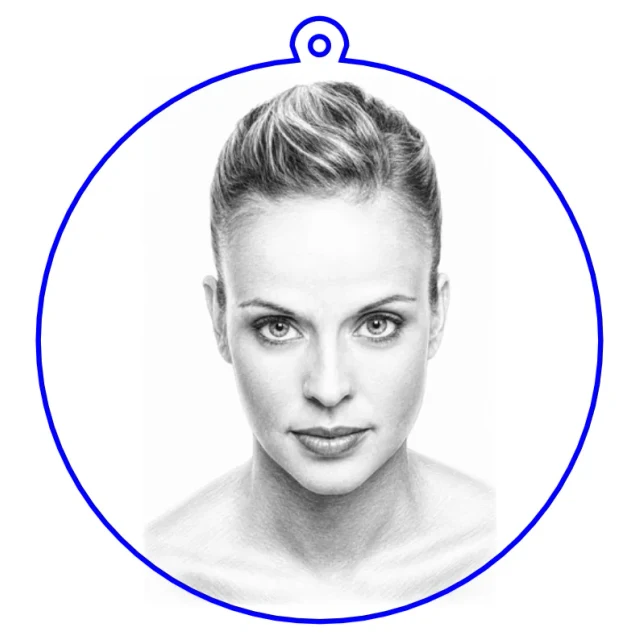
Popular community makes
Real engraving-ready files made by the community — pick one and make your own version.
The short answer
Converting photos to laser-engraving SVG files doesn't require learning multiple tools or spending hours in manual cleanup. JUJU-PERFECT handles the entire workflow in one step: upload a photo, and get both a laser-ready engraving SVG with cut lines and mechanism holes already placed, plus a full-colour UV-print PNG optimized for your material.
Unlike general vector converters, JUJU-PERFECT generates files tuned by laser type and material — wood, acrylic, slate, metal, ceramic, and leather. The SVG is production geometry, not a raw auto-trace you still have to fix by hand.
Paid credits include a commercial production license. Start free with 5 credits. Related: photo to laser file converter and image converter for laser engraving. Paid-credit files are original JUJU-PERFECT generated artwork for physical products, with no extra per-file license fee. Bring only photos and references you have permission to use.
Frequently asked questions
What formats does JUJU-PERFECT output? A laser-ready engraving SVG with cut lines and mechanism holes where the product needs them, plus a full-colour UV-print PNG optimized for your material.
Can I use JUJU-PERFECT files to sell finished products? Yes, with paid credits. Paid packs include a commercial production license for physical goods you make. Paid-credit files are original JUJU-PERFECT generated artwork for physical products, with no extra per-file license fee. Bring only photos and references you have permission to use.
How many files can I create with my credits? You start with 5 free credits. Each generation consumes credits based on complexity (many product flows use 2 credits). Buy packs only when a design is worth producing.
What product types can I create? Keychains, acrylic LED lamps, photo clocks, ornaments, coasters, pet portraits, and more — see the keychain flow and photo to laser file converter.